
Cheating apps detection_
The Codility Desktop App, now in Preview, is designed to surface AI helper tools that hide from screen sharing.
Codility Desktop App
Built for the category of AI helper tools that run in an overlay window hidden from screen sharing, such as InterviewCoder and Cluely.
Available now in Preview, for macOS and Windows. Speak to your Codility account team for access.
Invisible AI helpers
A category of tools, including InterviewCoder, Cluely, and similar applications, runs in an overlay window deliberately hidden from screen sharing. They are built to be unseen by standard proctoring.
Conventional proctoring data can only show what it captures. If a candidate is reading answers from a window that screen capture cannot see, the session looks clean. The candidate can use the tool throughout the assessment and leave no obvious trail.
Codility Desktop App Preview
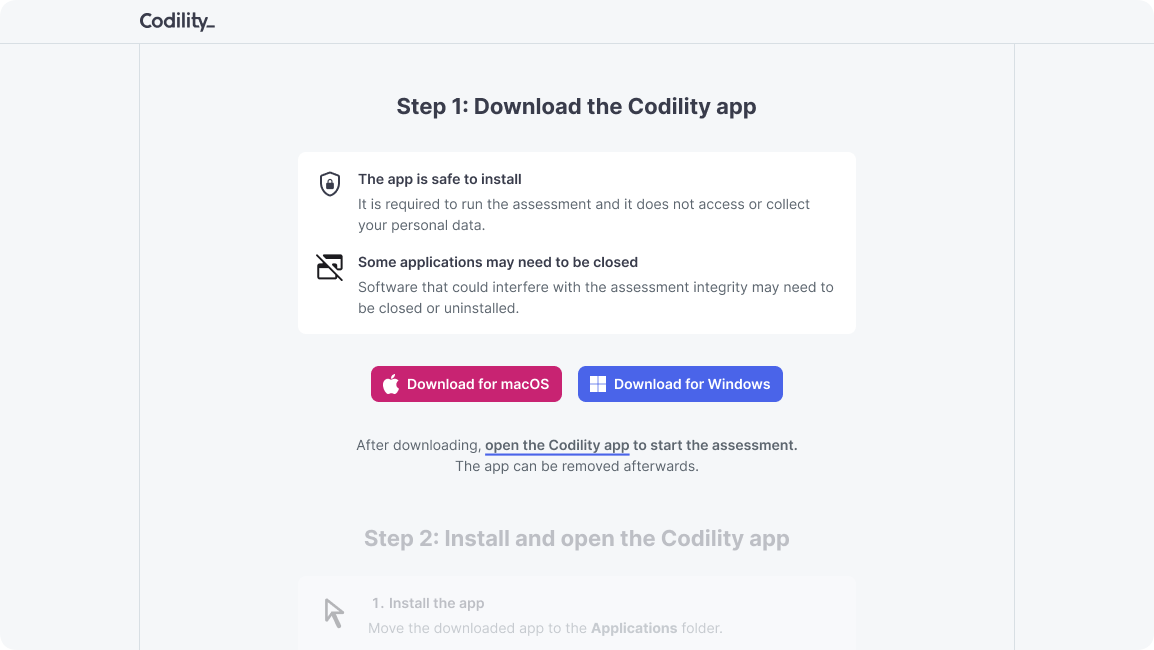
Candidates launch the Desktop App to take their assessment, on macOS or Windows. From inside that environment, Codility is designed to surface the overlay applications that screen sharing cannot.
Built to surface hidden helpers
Designed to surface AI helper applications that hide from screen sharing, such as InterviewCoder and Cluely.
Built for an evolving category
The method targets the category of overlay AI helpers, so newly released tools of the same kind can be picked up as they emerge.
Evidence for a human decision
When a tool is identified during a session, the evidence is surfaced to the reviewer. Codility does not auto-fail the candidate. A human decides.
Per assessment
When enabled, the Desktop App is a mandatory gate for that Screen assessment. Candidates take the assessment inside it.
Per interview
Configurable the same way for a specific Interview session, alongside your other integrity settings.
Account default
Set a default posture for Screen in your account settings, then override it per assessment where you need to.
A trustworthy assessment environment
The Desktop App works alongside Codility’s browser and video proctoring, not in place of it. Results appear together in the report’s integrity widget, and interviewers get live notifications when a session needs a look. Every session already runs against multiple deterministic signals before the Desktop App ever has to flag a tool.
Typing Pattern Detection
Flags candidates retyping AI-generated solutions character by character from an external source, catching what paste detection misses.
Similarity Check
Cross-candidate plagiarism combined with AI-generated code pattern detection. Positive matches automatically elevate the risk level.
Behavioural Signals
Paste events, tab switches, focus loss, timing anomalies, and sudden large code insertions, all visible in the Code Evolution timeline.
Integrity Risk Score
Deterministic aggregation of layered signals, including detected apps, into one of four levels: None, Low, Moderate, or High. No generative AI in the scoring.
ID Verification
Third-party identity check before the session begins, so the reviewer knows who is on the other side of the screen.
AI Assistant posture
AI Assistant is enabled or disabled per assessment. When it is enabled, every candidate interaction is captured as reviewable AI activity. More granular controls are on the roadmap.
Designed for human review
The system is designed to provide reviewable evidence rather than an automated pass or fail. The final hiring decision always stays with a human reviewer.
If you would like to discuss your specific evaluation criteria, your Codility account team can show you how the signals apply in practice.
 codility.com