Lever and Codility
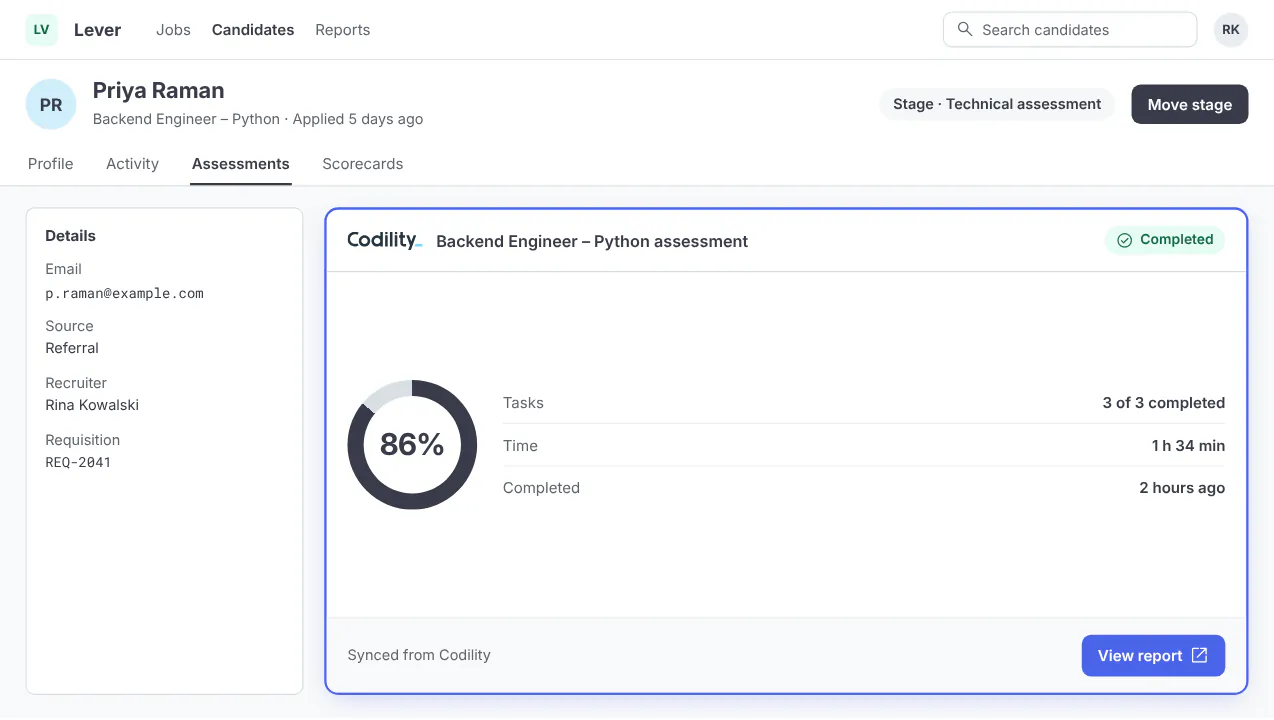
Send Codility assessments from a Lever stage, with report links and results returned to the opportunity.
Products: Screen
| What flows out | Candidates who reach your trigger stage are sent to Codility, which emails the invitation. Lever sends only the candidate’s name and email address. Tags can pick a different test or email template. |
| What flows back | A link to the report and a result tag, pass, fail or needs review, set against your score thresholds. On a pass, the candidate can move to a stage you choose. |
| How it is set up | Configured by the Lever team. Through your Lever account manager, Lever support or your Codility Customer Success Manager, you send an access token created in Codility, the trigger stage and your pass and fail thresholds. |